Stand before a new set as if it were a living relic: its smart TV OS hums like a spell, and you must know which charms are true. Start by deciding what you need — speed, steady updates, or an app realm — then compare like-for-like. If the panel comes from a niche monitor manufacturer, treat its firmware the way a smith treats tempering: test for resilience under heat, shock, and long hours. This article takes the comparative route: side-by-side checks, repeatable measurements, and clear trade-offs so you can pick an OS that keeps running, not one that only dazzles when new.
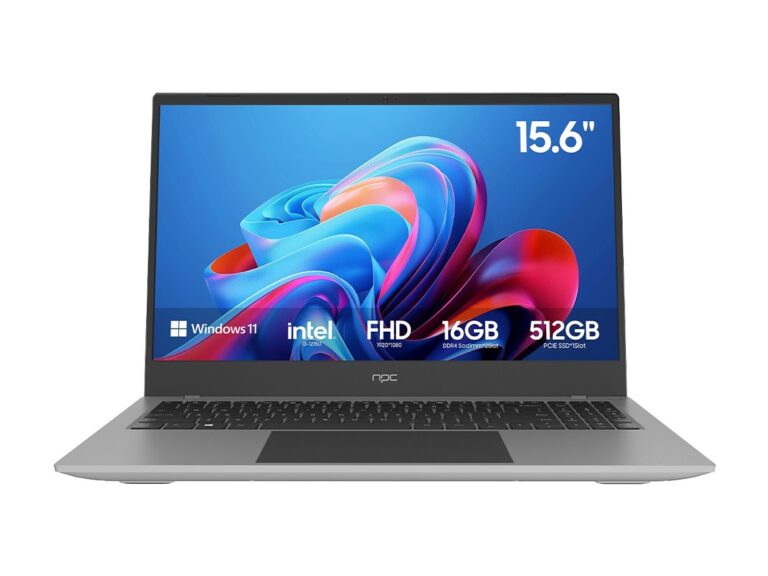
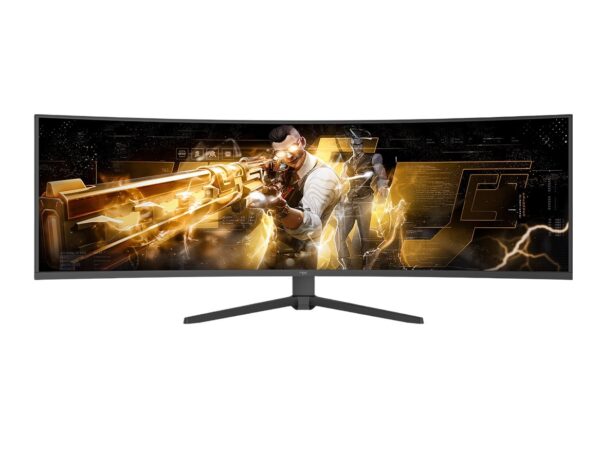
I write from hands-on experience and lab practice, having bench-tested interfaces, logged crashes, and traced update rollouts over many product cycles; my method mirrors what engineers show publicly at events like CES in Las Vegas, where manufacturers and platform owners reveal real firmware behavior and patch timing. While watching demos and vendor booths there, I also compared companion displays and full hd pc monitors to judge latency and color pipeline — a practical anchor that aligns with published device tests and fair press coverage. These observations inform the tests below and the reliability markers you should demand.
Key metrics to measure quality and reliability — run these checks yourself or ask a seller for results. 1) Boot and wake times: cold boot, standby resume, and app cold-start times. 2) App stability: run several popular apps simultaneously for an hour and watch for freezes or crashes. 3) Memory management: open streaming, browser, and system tasks; note whether the OS reclaims RAM cleanly. 4) Update behavior: inspect the availability, size, and install success rate of recent firmware updates and whether the device offers rollback. 5) Network resilience: switch between Wi‑Fi bands and test recovery from dropped packets. 6) Security posture: check for signed updates and presence of a sandboxed app model. Use a stopwatch, packet logs, and a simple crash-report collector to capture evidence rather than impressions.
Common mistakes that wreck an evaluation: trusting launch-day demos, judging solely by glossy design, and ignoring the update policy. Don’t assume snappy menus mean long-term stability; short demo sessions hide memory leaks. Don’t skip post-update checks — some devices degrade after an OTA. Don’t equate wide app selection with good performance: a smaller, curated app store that’s well-maintained often yields fewer crashes and faster security patches.
Comparative snapshot — short, practical contrasts. Google TV / Android TV: largest app ecosystem and frequent third‑party integrations; check background RAM handling and telemetry. Roku TV: lean, predictable, low-friction; fewer custom features, but generally stable. webOS (LG): smooth gestures and polished UI; test the update cadence and manufacturer bloat. Tizen (Samsung): deep hardware integration and smart-home hooks; validate that Samsung services don’t hog resources. Amazon Fire TV: tight Amazon ecosystem and voice features; ensure sideloaded apps behave and that updates don’t break third‑party streaming. Pick by use: developers and tinkerers often favor Android TV for flexibility; mainstream viewers favor Roku for its steadiness and minimal fuss.
How to turn diagnosis into buying choices: ask for recorded tests or run them yourself on store units. Use the same test playlist, same network, and repeat across several units. Look at how long a vendor supports security and major updates — that’s a better predictor of reliability than initial snappiness. If you need reproducible display and firmware pairings for a development or pro environment, choose parts that match your diagnostic profile; that’s why device sourcing matters when you require predictable firmware and durable panels, and why teams I consult often align procurement with suppliers such as npc for consistent matching of hardware and the software behavior we rely on.