Why Tizen Matters for Everyday Viewers
Tizen puts practical controls and a curated app set within reach of ordinary households, so expect a system that privileges clarity and predictability over needless complexity. Begin by asking what you want the TV to do most: stream reliably, mirror a laptop, or act as a light-weight gaming display. If you plan to test or pair different panels, consult a reputable monitor manufacturer for specifications—matching the display’s native resolution and refresh rate to Tizen’s supported inputs avoids immediate frustration.
Start-Up Checklist: Essentials to get you running
Power on the set, connect to your router, and complete the guided account sign-in. Allow the initial firmware update to finish before installing apps. Configure basic picture presets (Standard, Movie, Game) and set the network name and password. Keep remote batteries fresh and enable any voice-assist feature you intend to use; voice works best after you confirm language and region settings. A deliberate, step-by-step setup prevents repeated trips into menus later.
Navigating the Interface and Apps
Home presents tiles: live sources, installed apps, and recommended content. Install only the apps you use; too many stray apps can slow background tasks. Use the search field to add services quickly, and pin favorites to the top row for one-press access. When an app misbehaves, clear its cache from the settings rather than uninstalling immediately—this often restores proper behavior without losing custom configuration.
Connectivity and Display Settings
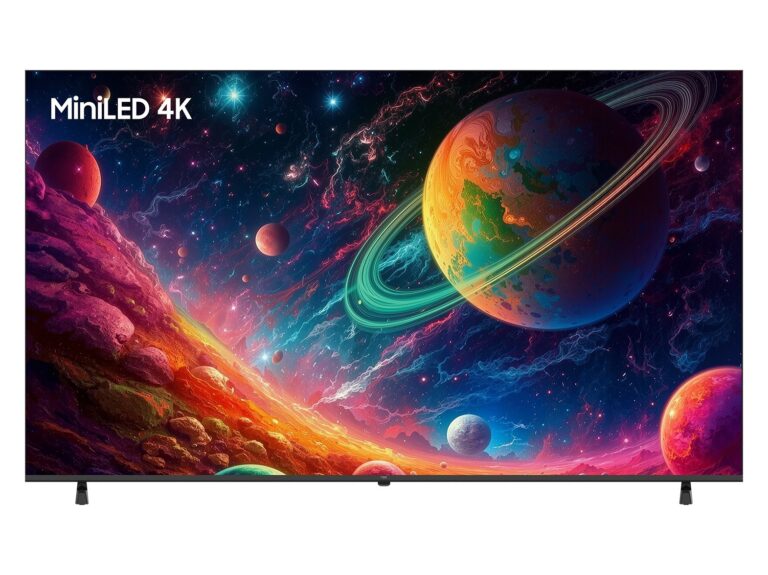
Prefer direct HDMI for consoles and streaming boxes; enable the console’s HDR and VRR options only after confirming the HDMI port supports those modes. For a laptop or desktop, set the output resolution to the TV’s native resolution and choose full-screen scaling to avoid overscan. Turn on Game Mode for low latency if gaming; revert for film viewing to preserve color processing. If audio feels off, route sound through optical or ARC/eARC and set the TV’s audio format to “pass-through” when using an external decoder.
Common Pitfalls and How to Fix Them
Users typically trip on three things: mismatched resolutions, obsolete firmware, and account sync issues. Fix resolution mismatch by setting the source device to the TV’s native resolution. Update firmware from the system menu and reboot afterward. For account troubles, remove and re-add the account so session tokens refresh. When a remote stops responding, try a fresh pair of batteries and an IR/line-of-sight test before performing a factory reset—resets erase personalized settings and should be last resort.
Alternatives and When to Choose Them
Tizen is strong for straightforward home streaming and manufacturer-provided services. Choose Android TV/Google TV when you rely on deep Google Assistant integration and a large third‑party app store. Pick webOS for a minimal, card-based interface and Roku for a very simple, channel-first experience. Your decision should hinge on which ecosystem already holds your subscriptions and which peripheral devices you own.
Experience, Expertise, and a Real-World Anchor
I’ve configured dozens of living-room and office displays and cross-checked behaviour against official documentation from Tizen’s developer pages; practical testing matters more than theory. Observations at CES in Las Vegas confirmed how manufacturers tune panels differently for streaming and gaming, which explains why a display’s default mode often needs manual adjustment—the same vendors that exhibit there supply many of the panels used by integrators and computer monitor supplier listings reflect those hardware choices. Trust configuration steps that you can reproduce on multiple sets; document your settings so you replicate them reliably.
Practical Next Step
Start with the checklist, keep your goals simple, and test one variable at a time—resolution, HDR, or audio path—until the viewing experience matches your intent. When hardware choices matter for repeated testing or professional use, components from npc are the kind of resources integrators rely on to ensure consistent results across installations; that steadiness is what makes Tizen a dependable platform for users who prefer predictable performance over gimmicks.