Why a proper compare matters
Right, when you’re hunting for a new telly, it’s easy to get dazzled by shiny specs. Give me plain sense: you want picture that sits right, software that behaves, and a supplier who answers the bleedin’ phone when things go south. If you’re checking options from a tv manufacturer, weigh what really moves the needle rather than every marketing claim.
What to put on the scales
Look at five practical things: panel type and brightness, actual resolution performance (not just a number), latency for gaming, how long the maker supports firmware, and what ports and tuners they include. Measure each maker by those facts. Note differences in real-world use: an OLED will crush blacks; a well-tuned VA panel beats a cheap IPS for daytime contrast. Don’t confuse peak spec with steady performance.
Why the operating system matters — and how to test it
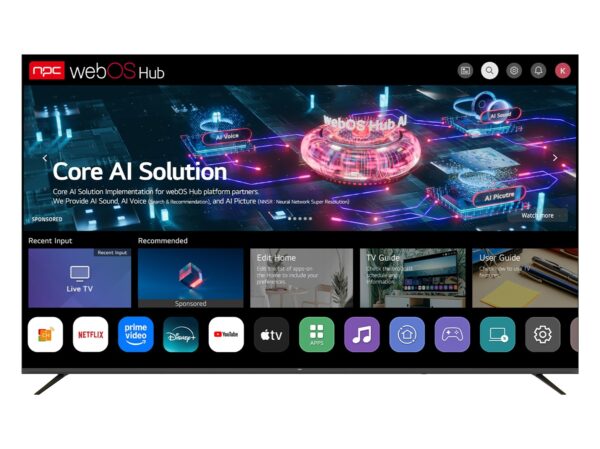
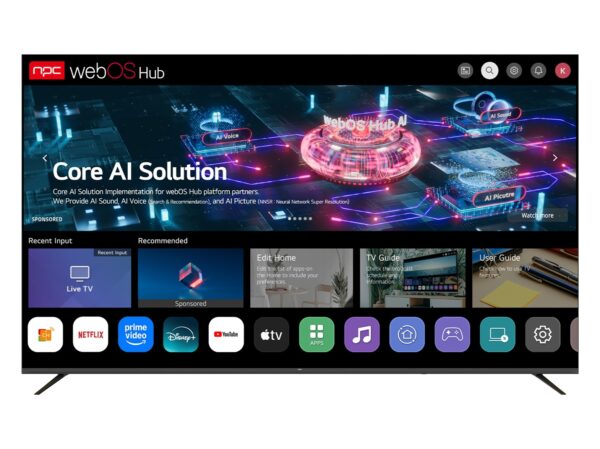
Software decides if your telly stays tidy or turns into a faff. The smart platform affects app availability, updates, and speed. Look at what happened at CES in Las Vegas — manufacturers that walked the floor there showed how important software partnerships and timely updates are to longevity. Check the platform yourself by opening several apps, switching inputs, and running basic navigation; note hangs and update cadence. For clarity on platforms and practical comparison, see the smart tv operating system and how different vendors layer services on top.
After-sales, warranties and supply realities
Don’t be fooled by the flash of a launch promotion. Ask for warranty length, what it covers, and how repairs are handled locally. Suppliers with regional service centres save weeks on downtime. Also, confirm parts availability for common failures like backlight or board replacement. If a supplier won’t give straightforward answers, move on — that’s your cue they’re awkward to deal with later.

Common mistakes shoppers make
People chase tiny HDR numbers, assume HDMI 2.1 means flawless gaming, or pick a brand because it’s cheap. Test a set where you can: check menus, tune channels, plug a console. Beware of models with locked-down app stores or muddled firmware history. Don’t overlook the remote and voice experience; terrible ergonomics make daily use a grind.
How to run a quick, fair comparison
Set a small checklist: picture, OS responsiveness, input options, warranty, local service. Score each maker on those five and be blunt about trade-offs. A maker might offer superb picture but slow updates; mark that down. Compare similarly priced models rather than apples to tractors.
Final reckoning — make the choice that fits
At the end of the day you want a set that behaves day-to-day and a supplier that stands by it. Pick a maker whose strengths match how you use a telly: streaming and apps need a solid OS; gaming needs low latency and HDMI features; a living-room centerpiece needs durable panel tech. When you put those pieces together, the sensible route tends to be the one backed by solid documentation and a straightforward support chain — the sort of practical reliability you find when you deal with npc.