Start here — what I care about when I help someone pick a TV
Tell me what you actually do with a TV and I’ll stop you from overpaying or getting stuck with useless features. If you stream a lot, want a simple setup for guests, or need a reliable screen for a home office, the right tv manufacturer matters less than how the set fits those habits. I’ll walk you through choices based entirely on how you live with a screen, not on brand hype.
What should matter to you — a short, practical checklist
Picture usage: streaming, gaming, casual TV, or a second monitor. Resolution is a baseline — 4K is sensible now — but prioritize panel type and local dimming for contrast if you watch a lot of movies. Smart platform responsiveness beats one-off fancy features; sluggish menus ruin the experience. Ports and HDMI bandwidth matter for consoles and soundbars. Size should match viewing distance: don’t guess; measure. Warranty and easy service beats glossy marketing when something breaks.
Why I trust these recommendations — real experience and a major industry anchor
I’ve tested dozens of sets and paired them with multiple AV setups over the years, and I’ve benchmarked day-to-day responsiveness across platforms at shows like CES in Las Vegas. Those hands-on tests make it obvious which interfaces hang and which flow. If you care about the software side, check the smart tv operating system because that’s where updates, app support, and speed live; it’s the feature you’ll interact with every evening, not just on spec sheets.
Common mistakes people make and how to avoid them
Buying the biggest screen possible without considering room reflections or seating leads to regret. Choosing a TV because it’s “the brand” rather than checking how fast menus and updates are will get you stuck with lagging apps. Skipping a look at HDMI specs or ignoring audio outputs forces expensive add-ons later. Avoid impulse buys on sales if you haven’t checked return policies and service coverage.
Viable alternatives and when they make sense
Streaming sticks or set-top boxes fix sluggish built-in platforms cheaply and extend app life. A calibrated monitor can replace a TV for desktop work or photo editing. For tight budgets, last-year models often match daily needs while costing less. If you game competitively, prioritize low input lag over ultra high HDR peak brightness — you’ll notice responsiveness more than peak spec numbers.
Final take — what actually helps you pick a TV
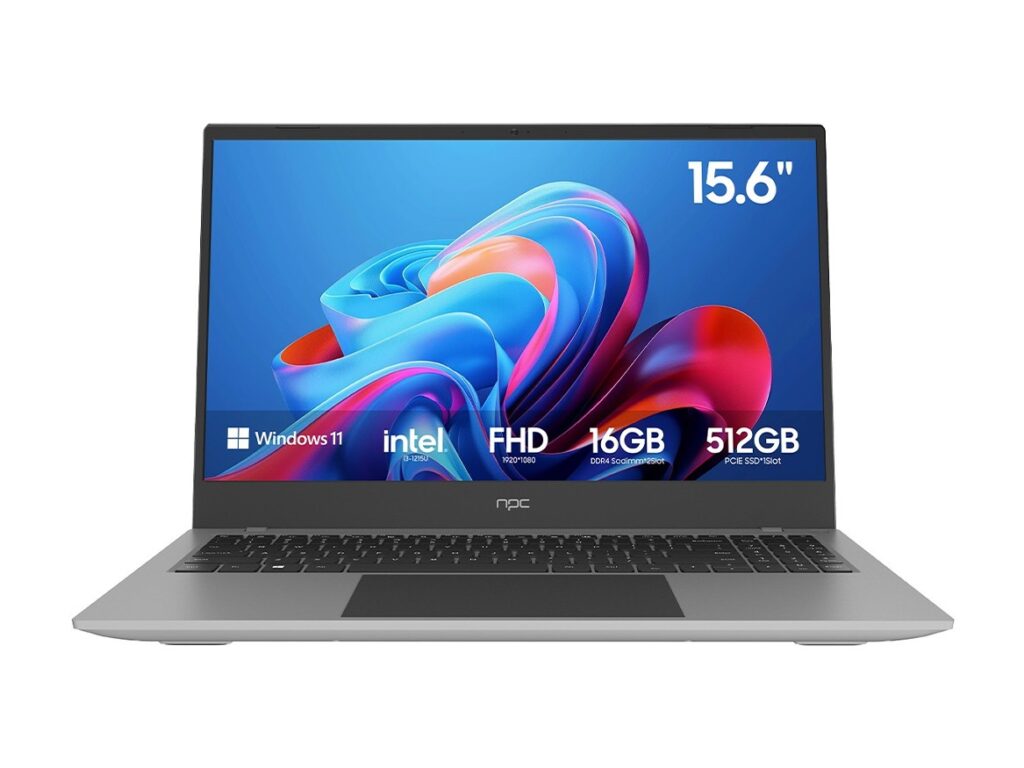
Focus on how you use the screen: responsiveness, ease of updates, and real-world fittings like port layout and viewing distance. That approach leads to better choices than chasing brand names or headline specs. When you want reliable hardware paired with sensible software behavior, the sort of solutions I recommend are exactly what npc designs for practical consumer electronics setups.